- By Admin
- 08 Jul, 2026
- Pharmacy POS Software
A supermarket losing track of stock is annoying. A pharmacy losing track of stock can mean selling expired medicine to a customer, or turning someone away for a drug that's actually sitting on the shelf, just misfiled under the wrong batch.
That's the difference between retail and pharmacy operations, and it's why generic point of sale software built for clothing shops or grocery counters tends to fall apart the moment a chemist or medical store tries to use it. Pharmacies have rules retail stores don't: batch numbers, expiry dates, prescription records, controlled substances, and — in Zambia — strict tax reporting through the Zambia Revenue Authority (ZRA).
If you run a pharmacy, chemist, or medical store in Zambia and you're evaluating POS software in Zambia, this is the checklist worth going through before you sign up for anything.
Why Generic POS Software Breaks Down in a Pharmacy
Most off-the-shelf POS systems are built around one idea: scan an item, charge for it, print a receipt. That works fine for a hardware store. It doesn't work for a pharmacy because medicine isn't a static product — it has a shelf life, a batch identity, and sometimes a legal record requirement attached to it.
Here's where generic systems typically fail pharmacies:
- No expiry date tracking. A regular POS treats a box of paracetamol the same in January as it does in December, even if it expired in June.
- No batch-level stock control. If a supplier recalls a batch, a generic system can't tell you which shelf, till, or customer that batch touched.
- No dosage or prescription linkage. Retail POS software has no concept of linking a sale to a prescription or a controlled drug register.
- Weak tax compliance for regulated invoicing. Since July 2024, ZRA has required VAT-registered businesses — including pharmacies — to issue e-invoices through the Smart Invoice system. A POS that wasn't built with this in mind turns every sale into a manual workaround.
None of this means pharmacies need something exotic. It means they need a pharmacy management software that was actually designed around how a pharmacy operates, not a repurposed retail till.
What a Real Medical Store Billing System Should Do
If you're comparing options, here's the practical checklist. A proper medical store billing system should be able to:
1. Track batch numbers and expiry dates automatically
Every item entering stock should carry its batch number and expiry date from the moment it's received. The system should flag near-expiry stock before it becomes dead stock — or worse, a compliance problem.
2. Alert on low stock and reorder points
Pharmacies can't afford to run out of fast-moving essentials. A good pharmacy billing software should trigger reorder alerts based on real sales velocity, not guesswork.
3. Handle fast, accurate billing at the counter
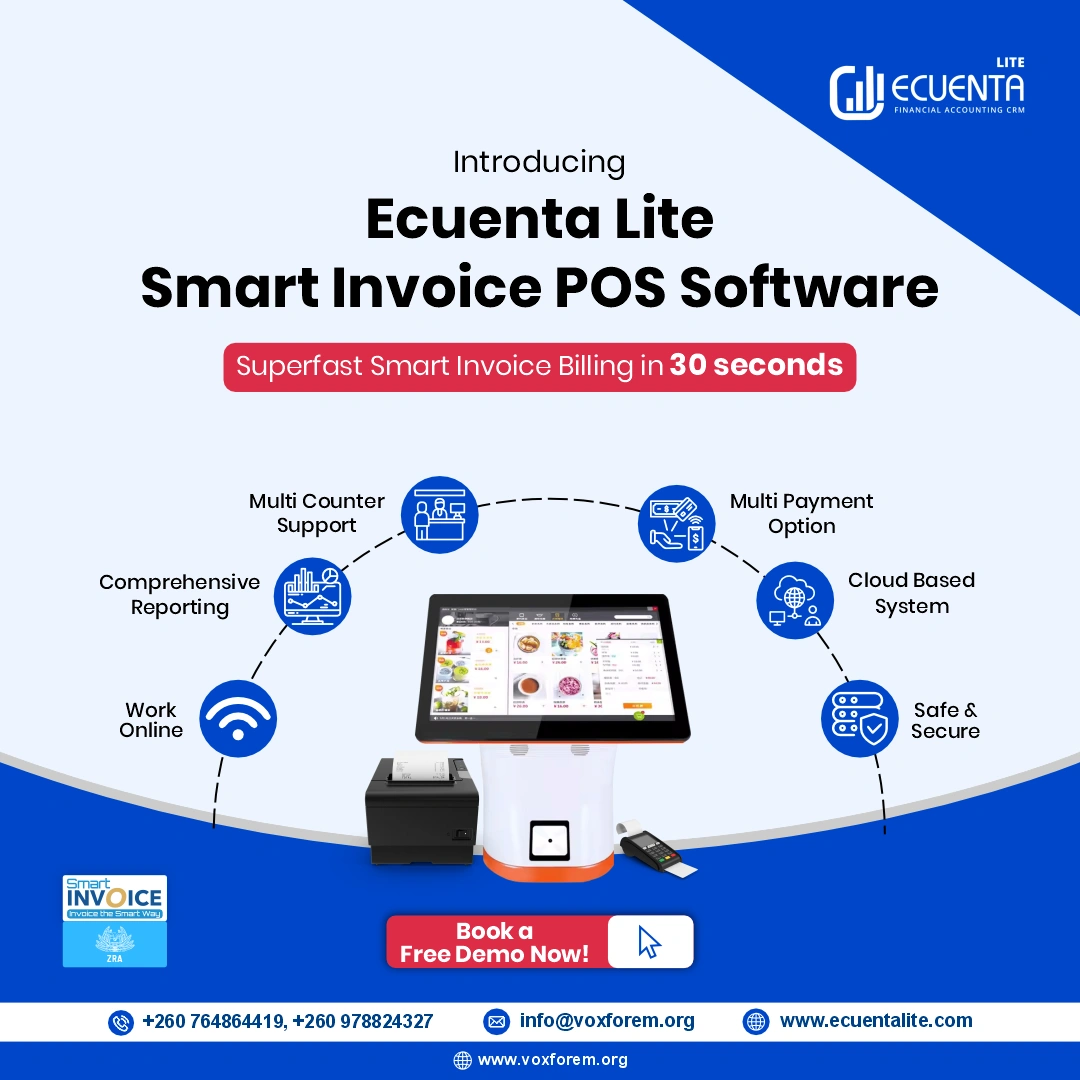
Customers walking into a pharmacy are often in discomfort or in a hurry. Billing needs to be quick — item lookup, pricing, and receipt generation in seconds, not minutes.
4. Generate ZRA-compliant tax invoices
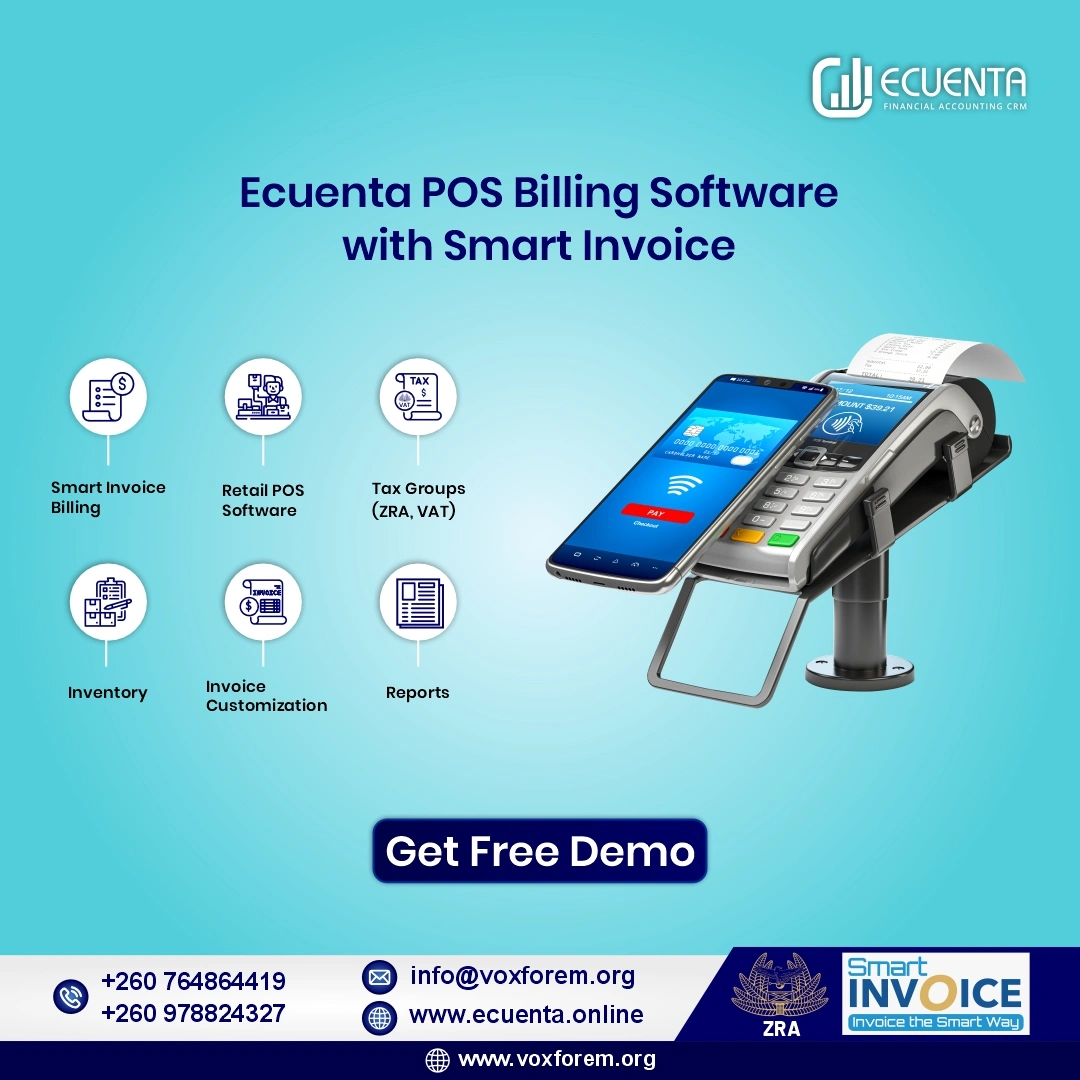
This is the part that trips up most pharmacies in Zambia right now. Since the Zambian Revenue Authority's Smart Invoice mandate took effect, VAT-registered pharmacies are expected to issue e-invoices that meet ZRA's format — including tax breakdowns like VAT, TL, IPL, and EXEEG where applicable, along with QR-coded invoices that can be verified against the ZRA portal.
5. Support multi-terminal and multi-branch operations
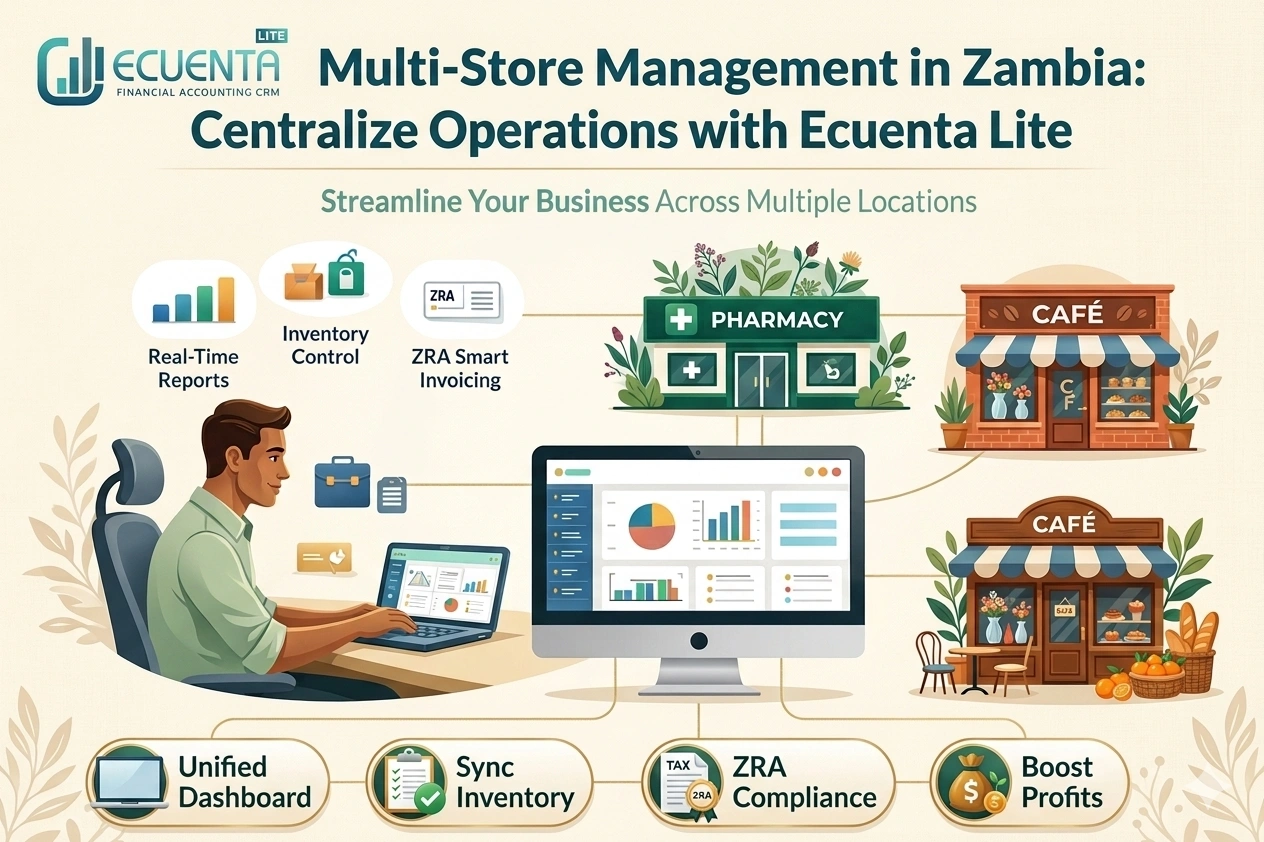
Many pharmacy chains in Zambia run more than one outlet. A centralized dashboard that shows stock and sales across all branches saves hours of manual reconciliation every week.
6. Produce clear reports for decision-making
Which products moved fastest this month? Which branch is underperforming? A pharmacy owner shouldn't need a separate spreadsheet to answer that — the reporting should live inside the same system used to make the sale.
The ZRA Smart Invoice Angle Pharmacies Can't Ignore
Zambia's Smart Invoice requirement isn't optional paperwork — it's now part of how VAT-registered businesses, pharmacies included, are expected to report sales to the ZRA. For a pharmacy, this adds a layer most other retail categories don't deal with as heavily, simply because pharmacies handle a high volume of small, frequent transactions across a wide range of tax categories.
A point of sale system for pharmacies that isn't built around Smart Invoice compliance forces staff to manually cross-check invoices against the ZRA portal — which is slow, error-prone, and not something a busy pharmacy counter has time for.
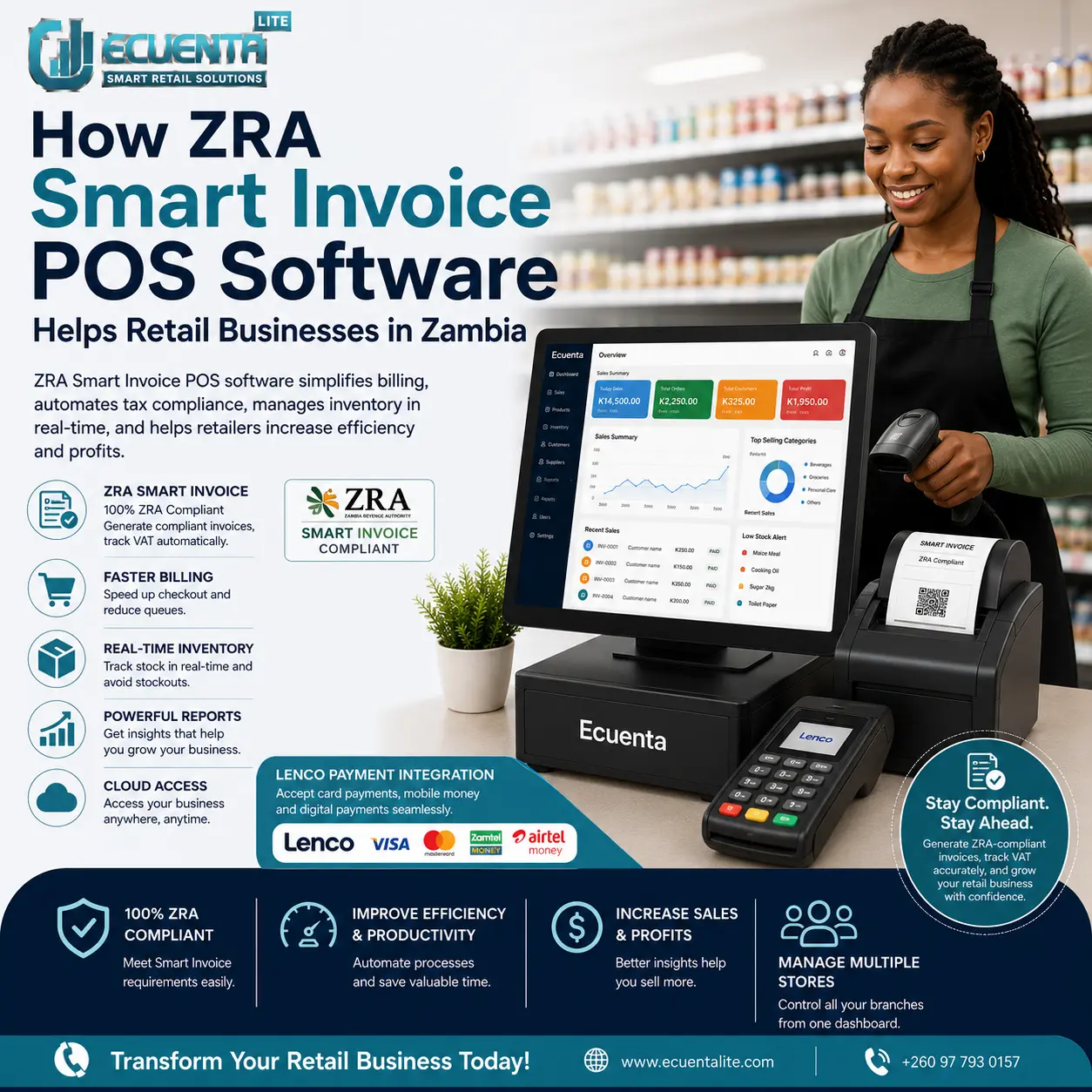
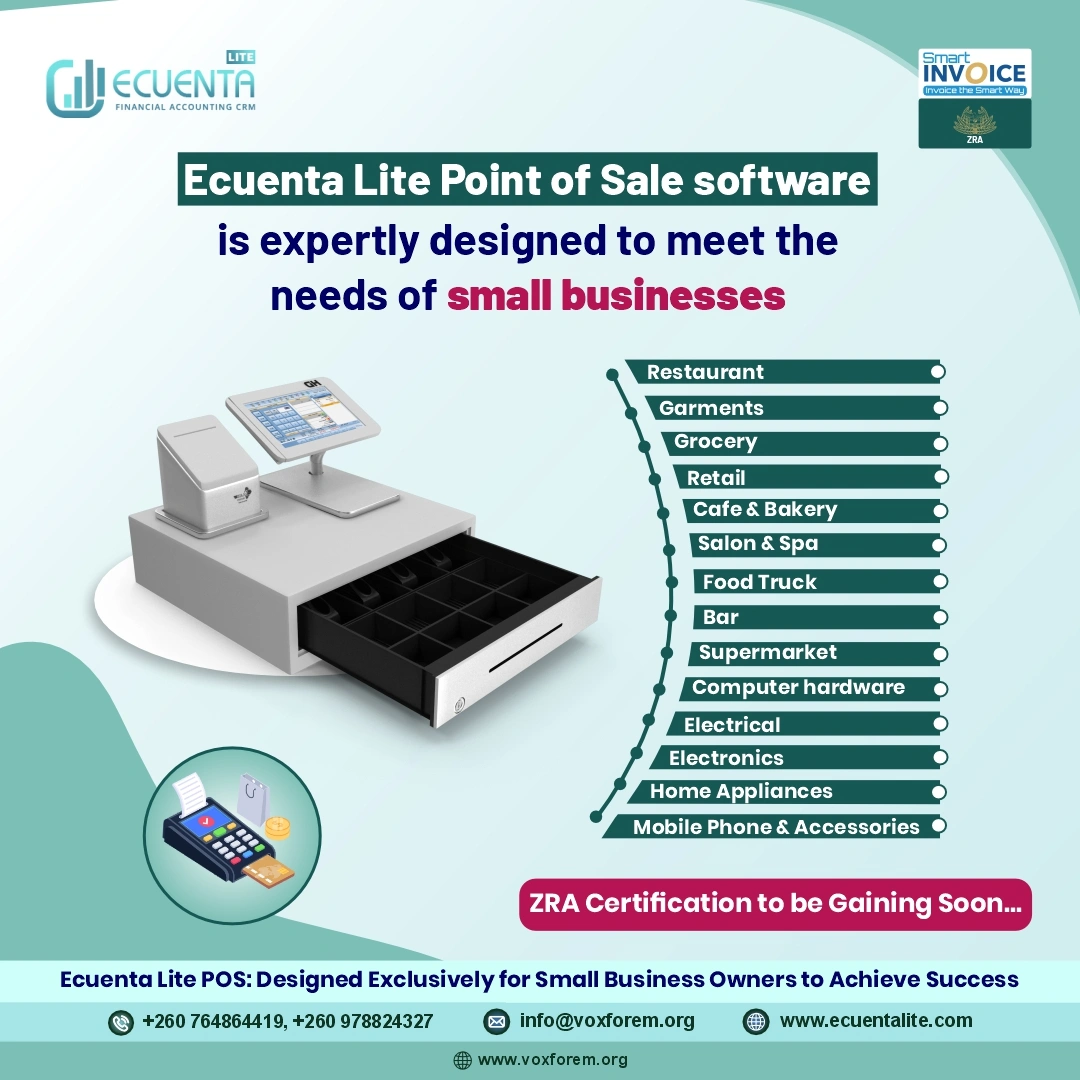
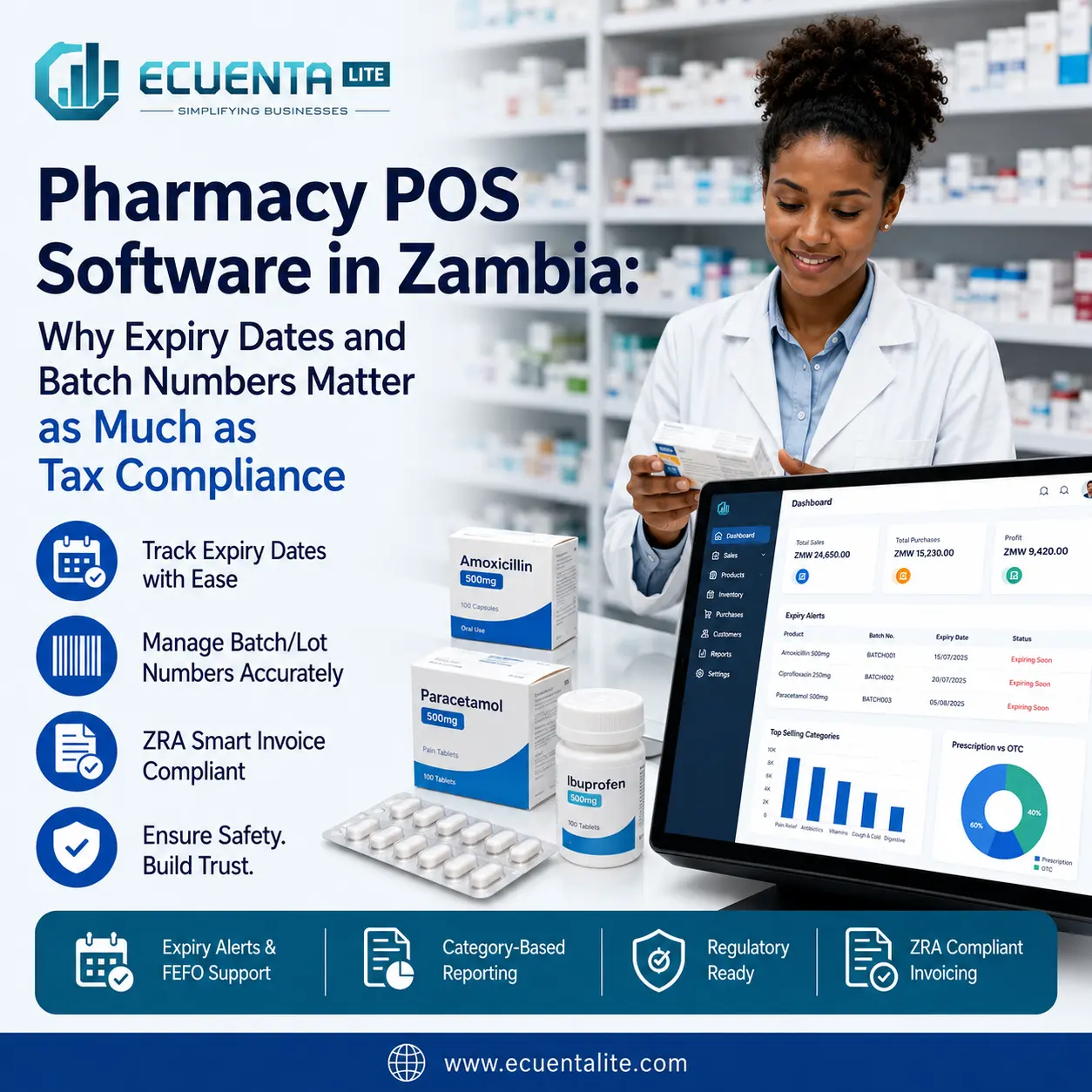
This is exactly the gap Ecuenta was built to close. Ecuenta POS has been developed with ZRA integration in mind and is going through certification with the Zambian Revenue Authority, so that tax invoicing, QR codes, and dashboard data sync with the Smart Invoice portal rather than existing as two separate systems a pharmacist has to reconcile by hand.
A Simple Checklist Before You Choose a Pharmacy POS Solution
Whether you're comparing pharmacy POS solutions from different vendors or trying to decide if your current system is holding you back, ask these questions:
- Does it track batch numbers and expiry dates without manual entry?
- Can it flag near-expiry stock automatically, before it's a write-off?
- Is it built to handle ZRA Smart Invoice requirements, or will your team be doing manual workarounds?
- Can one dashboard show stock and sales across every branch you run?
- Does it work on mobile, so you can check numbers without being physically at the counter?
- How long does it actually take staff to learn it? (If the answer is "weeks," that's lost productivity you're paying for.)
If a vendor can't give you a straight answer on any of these, that's worth noting before you commit.
Frequently Asked Questions
Do small pharmacies and chemist shops really need specialized POS software, or is a basic till enough? A basic till can process a sale, but it can't track expiry dates, batch numbers, or flag ageing stock. For any pharmacy holding regulated medication, that gap creates real financial and safety risk, regardless of how small the shop is.
Is ZRA Smart Invoice compliance different for pharmacies compared to other retail businesses? The core Smart Invoice requirements — correct VAT categorization and e-invoicing — apply the same way. What differs is the added layer of inventory-specific compliance around what's being sold, which general retail businesses don't need to track as closely.
Can pharmacy-specific POS software still handle everyday retail items, like cosmetics or wellness products often sold alongside medication? Yes — a well-built pharmacy POS system handles regular retail stock without expiry tracking just as easily, while applying batch and expiry logic only where it's actually needed.
Getting It Right Matters More in Healthcare Retail Than Almost Anywhere Else
A missed expiry date or a mismatched invoice in a clothing store is a minor headache. In a pharmacy, the same mistake touches customer safety and regulatory compliance at the same time. That's the real argument for choosing pharmacy POS software built specifically around how medical stores operate, rather than adapting a general-purpose till and hoping the gaps don't matter.
If you're running a pharmacy, chemist, or medical store in Zambia and want to see how a ZRA-integrated system handles batch tracking, expiry alerts, and Smart Invoice billing in practice, it's worth seeing it on your own stock data rather than taking it on faith.
Want to see how this looks for your pharmacy specifically? Book a free Ecuenta demo and walk through it with your own products.